SimplyMail
Email, calendar and contacts for Android, kept simple.
SimplyMail works with the email account you already have. Add your address and password, and it finds your provider's settings by itself. Read and write your mail, keep your appointments and contacts in step with your provider, and hand out tasks by email, all in one app with no ads and no tracking.
Get it on Google Play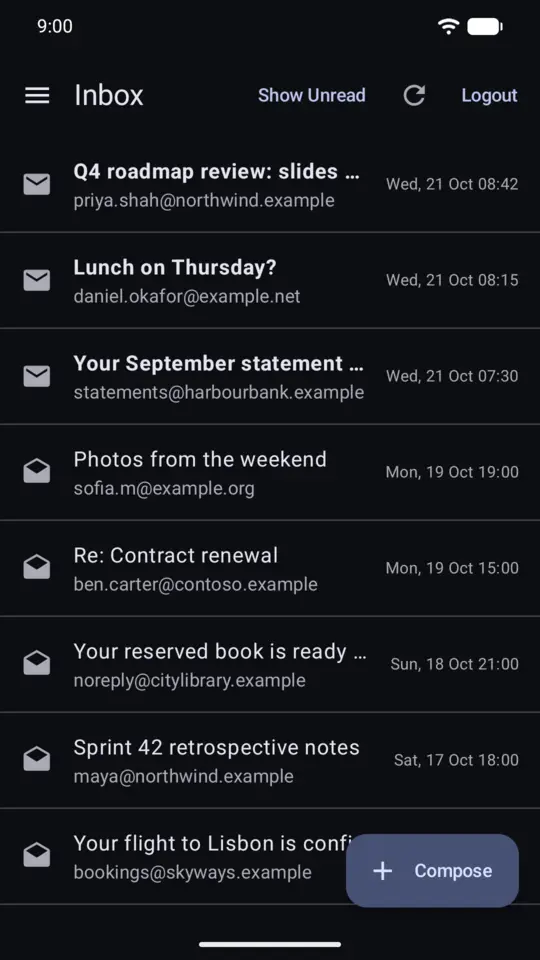
What it does
- EmailReads and sends mail with IMAP, POP3 and SMTP, so it works with most providers and your own mail server.
- Easy setupFinds your provider's server settings from your email address, so there's usually nothing to type but your password.
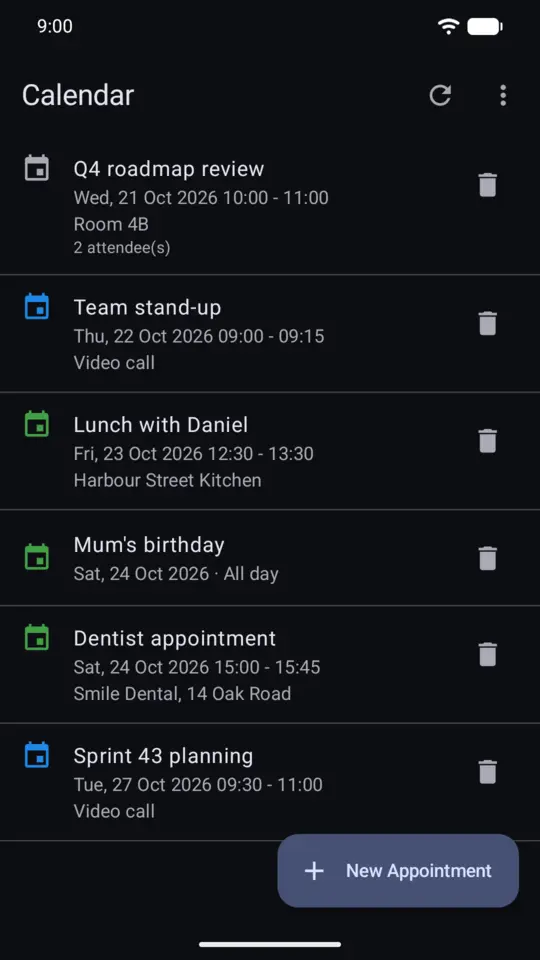
- CalendarShows the calendars you keep with your provider (CalDAV), keeps changes in step both ways, reminds you of appointments, and emails invitations.
- ContactsShows your provider's address book (CardDAV), lets you add and change contacts, and suggests addresses as you write.
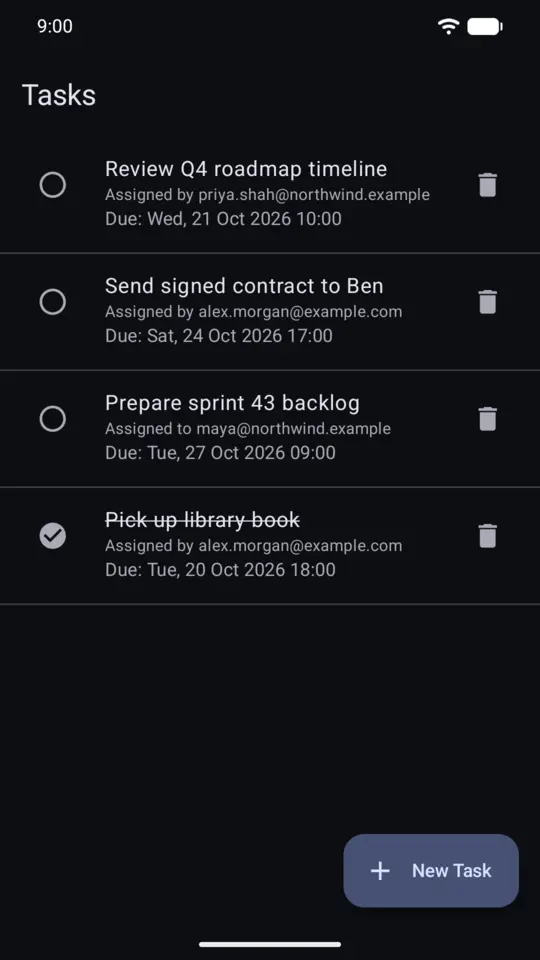
- TasksAssigns tasks to people by email, with due dates, and keeps track of them.
- Your own serverWorks with servers that use their own security certificate: it shows you the certificate and asks before trusting it.
Google Calendar and Google Contacts
For Gmail accounts, SimplyMail can connect Google Calendar and Google Contacts by signing in with Google. You choose what to allow on Google's own consent screen. The app uses this access only to show your calendars and contacts, and to make the changes you ask for. The data goes straight between your phone and Google, and is never sent to us or anyone else. This feature arrives in an update once Google has reviewed the app. The privacy policy has the details.
Your privacy
SimplyMail has no server of its own. Your password, mail, calendars and contacts go directly between your phone and your provider, and are stored only on your phone. There are no ads, no analytics and no tracking. Read the full privacy policy.